

Explainer
Telos Upgradeability: What You Can Upgrade and How It Works
Yes, most Telos models can be upgraded after you buy them. Pulsar's programme lets you fit a higher-class sensor, add a laser rangefinder to a non-LRF model, and on the XQ35, change the objective lens along with the sensor. You arrange it through your dealer, the work is done at Pulsar's own facility, and you should plan on about 30 days without the monocular.
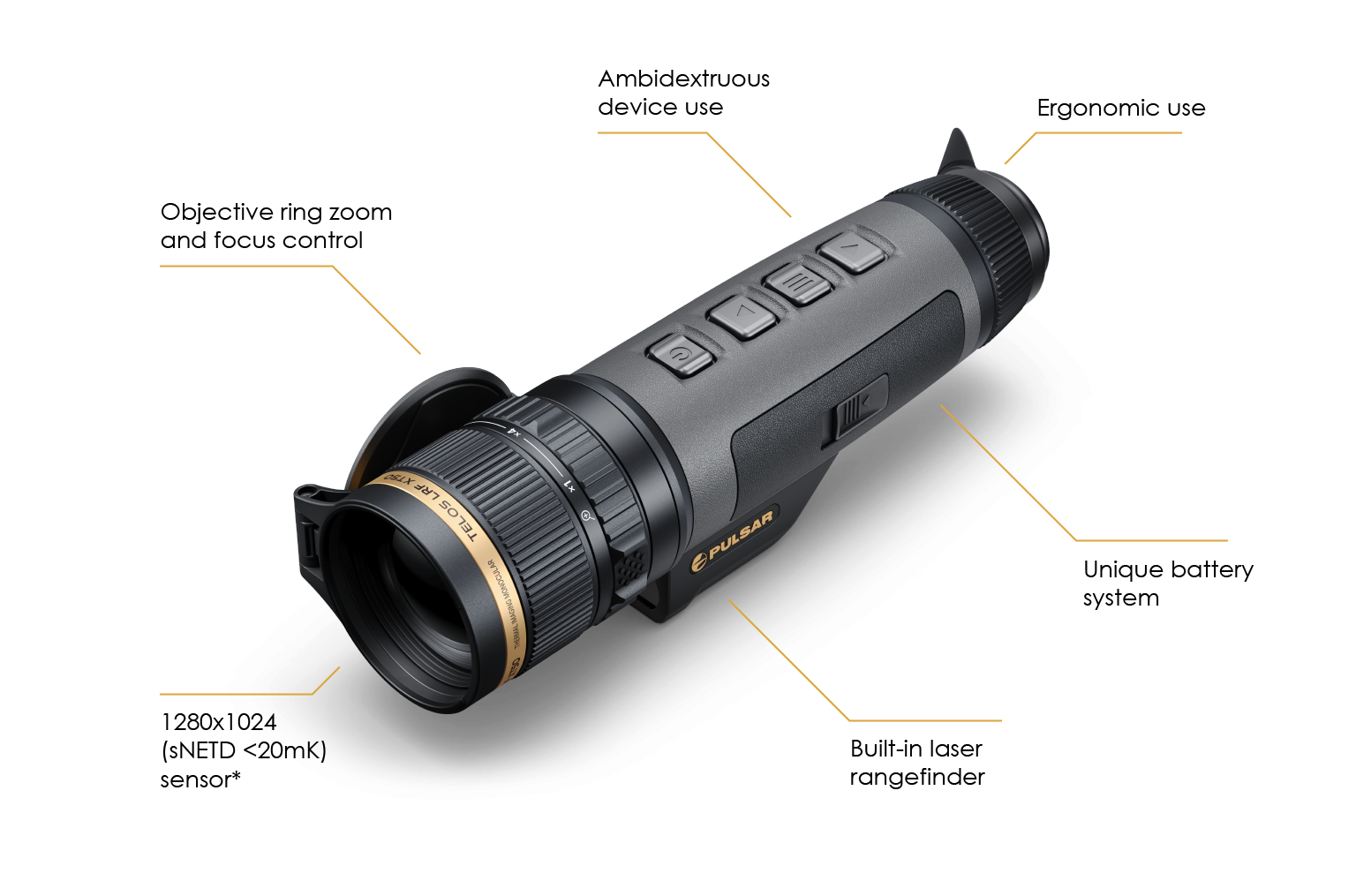
That's a genuinely unusual idea in thermal optics, and it's one of the reasons people choose a Telos. This article explains what each model can take, how the process works, and how to factor it into your purchase. For choosing a model in the first place, see our Pulsar Telos buyer's guide.
What can be upgraded
Pulsar lists three types of upgrade: the sensor, a laser rangefinder for non-LRF models, and the objective lens. Which apply depends on your model, as the chart below shows.
The lens upgrade only applies to the XQ35 models and comes with a sensor upgrade, because the 35 mm XQ35 is the only Telos without a 50 mm lens. Pulsar's own journal describes a hunter in Italy who took his XQ35 all the way to a Telos LRF XL50, which shows how far the path can go.
The two top models sit outside the upgrade map. Pulsar's FAQ lists every Telos except the LRF XL50 as eligible, and the newer LRF XT50 is also absent from the map; both are already fully equipped. Upgrades only go one way, too: Pulsar offers no downgrades and won't remove a rangefinder.
How the process works
Pulsar runs the programme through local dealers and distributors rather than directly with owners. The journey has five steps, shown below.
A few details from Pulsar's FAQ are worth knowing before you start. Bring only the monocular and, if you have it, its carrying case; the battery and charger stay with you. Pulsar removes all personal data during the upgrade, so download your recordings first through Stream Vision 2, as covered in our Telos setup guide. The parts taken out become Pulsar's property and are recycled, so they're gone for good.
On warranty, the upgraded parts get a new three-year warranty, but the rest of the device keeps its original warranty. The invoice arrives with the upgraded unit.
Should an upgrade change what you buy?
Here's where we'd be careful. Upgradeability is a real advantage, but it's flexibility, not a plan. Prices are quoted per upgrade, availability depends on the local distributor, and you'll be without the monocular for around a month. The chart below is how we'd think about it.
The cleanest case is the rangefinder. If you're happy with, say, an XP50's image but the LRF version is beyond your budget today, buying the standard model and adding the rangefinder later is a sensible path. A sensor upgrade is a bigger step, so if you already know you'll want 1024×768 detail, it usually makes more sense to buy that model from the start. The entry XQ35 has the most upgrade options, which suits someone starting out who expects to want more later.
Before you buy with an upgrade in mind, ask us to confirm what's currently offered for that model in Australia, the price and the turnaround. If those answers matter to your decision, it's better to know them up front.
Ask about Telos upgrades
Check current Telos prices and stock, or contact us about upgrade options for your model.
View all Telos modelsTelos Upgrade FAQ
Which Pulsar Telos models can be upgraded?
Pulsar's upgrade map lists the Telos XQ35, LRF XQ35, XG50, LRF XG50, XP50, LRF XP50 and XL50. Pulsar's FAQ says every Telos except the LRF XL50 is eligible, and the newer LRF XT50 isn't on the map either, since both are already top of the range. Options vary by model, so confirm what's offered before you buy.
How long does a Telos upgrade take?
Pulsar says to plan for a 30-day turnaround. Your dealer or distributor sends the monocular to Pulsar's manufacturing facility, where the upgrade is done, and it's returned the same way. Shipping to and from Australia may add time, so check the expected timing with us and avoid sending it just before the season you need it for.
Does a Telos upgrade come with a warranty?
Yes, for the new parts. Pulsar says upgraded parts get a renewed three-year warranty, while the rest of the device keeps its original warranty, which isn't extended. The invoice is sent with the upgraded device once the work is complete at Pulsar's facility.
Can I downgrade a Telos or remove the rangefinder?
No. Pulsar's upgrade programme only moves forward: you can fit a higher-class sensor, add a rangefinder or upgrade the lens where offered, but you can't downgrade the device. Pulsar also says it doesn't offer removal of a laser rangefinder. If you're unsure about the LRF, the non-LRF model can have one added later.
What happens to the old parts after a Telos upgrade?
Pulsar keeps them. Its upgrade FAQ says the replaced parts become Pulsar's property and are responsibly recycled or disposed of, and they can't be retrieved, even if you return the upgraded device under the programme's terms. Treat the upgrade as permanent before you go ahead.
Will my Telos recordings be deleted during an upgrade?
Yes. Pulsar says all personal information is removed from the device during the upgrade. Before handing your Telos over, download any videos and photos you want to keep through the Stream Vision 2 app or by USB, and note your preferred settings so you can set them up again afterwards.
What should I hand over for a Telos upgrade?
Only the monocular itself and, if you have it, its carrying case. Pulsar says there's no need to include the charger, battery or other accessories, because the dealer or distributor handles the packing and shipping. Keep your LPS 7i batteries, since they'll fit the upgraded unit when it comes back.
Can the Telos XQ35 lens be upgraded?
Yes, but only together with a sensor upgrade. Pulsar says the objective lens upgrade is available only for the Telos XQ and XQ LRF models and is tied to a sensor upgrade. That makes sense: the XQ35 is the only Telos with a 35 mm lens, and a higher-class sensor works best behind a 50 mm lens.
Is the Telos upgrade programme available in Australia?
Pulsar runs the programme through local dealers and distributors, and what's offered can vary by country. Before relying on an upgrade, contact us with your model and serial number, and we'll check what's currently available in Australia, the price and the expected turnaround.
Upgrade details come from Pulsar's Telos upgrade map and upgrade FAQ; availability and pricing in Australia should be confirmed with us.